
Door model collections
Present product families and model codes through large visual cards so customers can start from a design they actually like.
Turn a complex entrance door range into a clear visual sales experience. Customers and dealers can browse door models, choose the construction, enter dimensions, select opening direction, combine exterior and interior colours, configure glass and handles, and see the result immediately in a realistic architectural scene or clean 3D product view.
Entrance doors contain many decisions that are difficult to explain with a brochure alone. The configurator converts those decisions into visual steps, helping the customer understand the product while keeping the selection process structured for the manufacturer or dealer.
Present product families and model codes through large visual cards so customers can start from a design they actually like.
Show single-door and sidelight combinations visually and apply the selected construction to the live preview.
Exterior, second and interior colours can be configured independently when the product range supports them.
Every selected model, colour or handle becomes easier to understand when it is reflected immediately on the door.
The model browser can organize complete door collections into an easy visual catalogue. Instead of searching through PDFs or product codes, customers can compare styles first and continue directly into configuration.
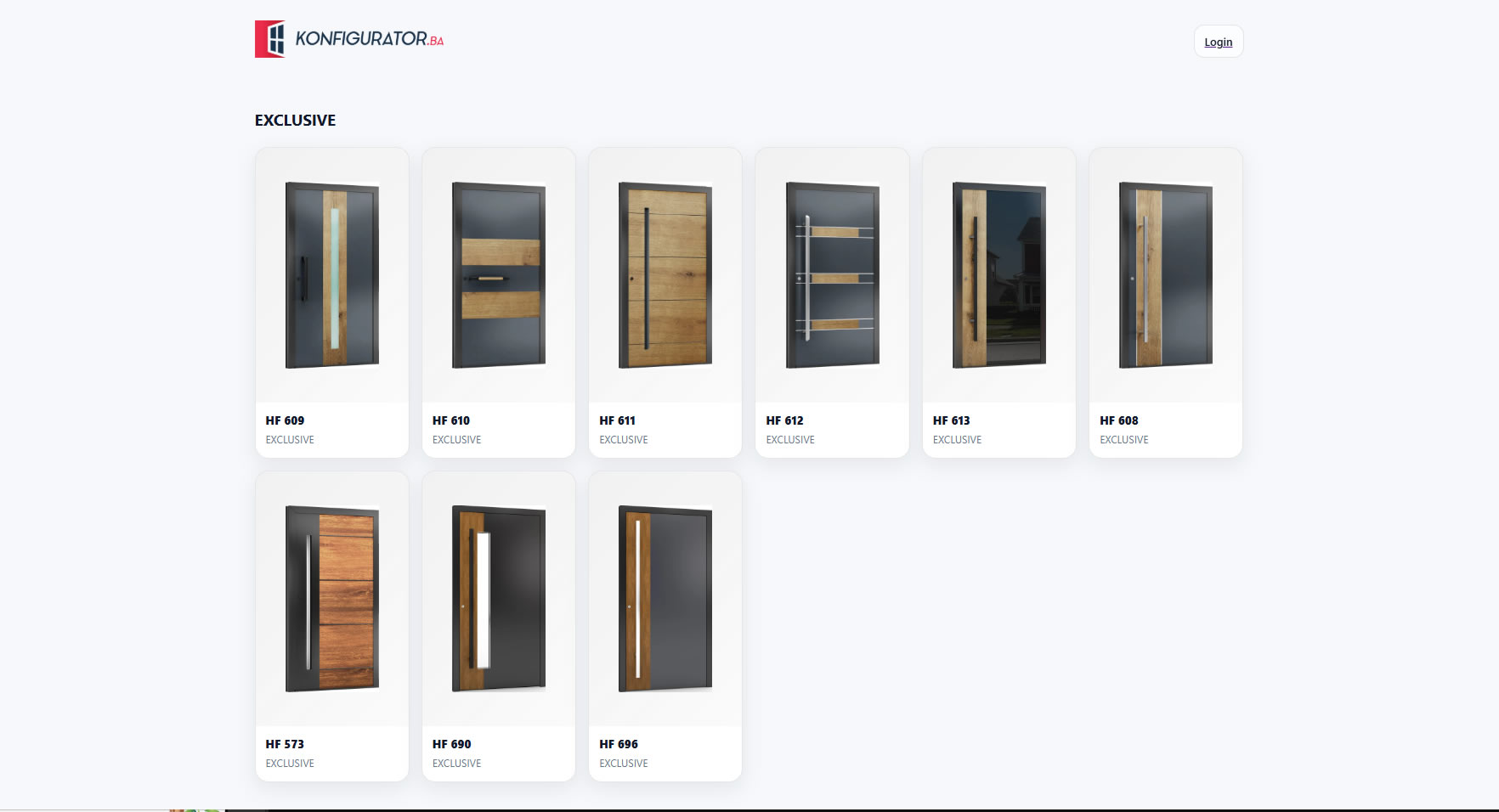
The configurator can present different construction layouts as simple visual choices. A customer can move from a single entrance door to combinations with one or two sidelights while the selected configuration remains visible in the scene.
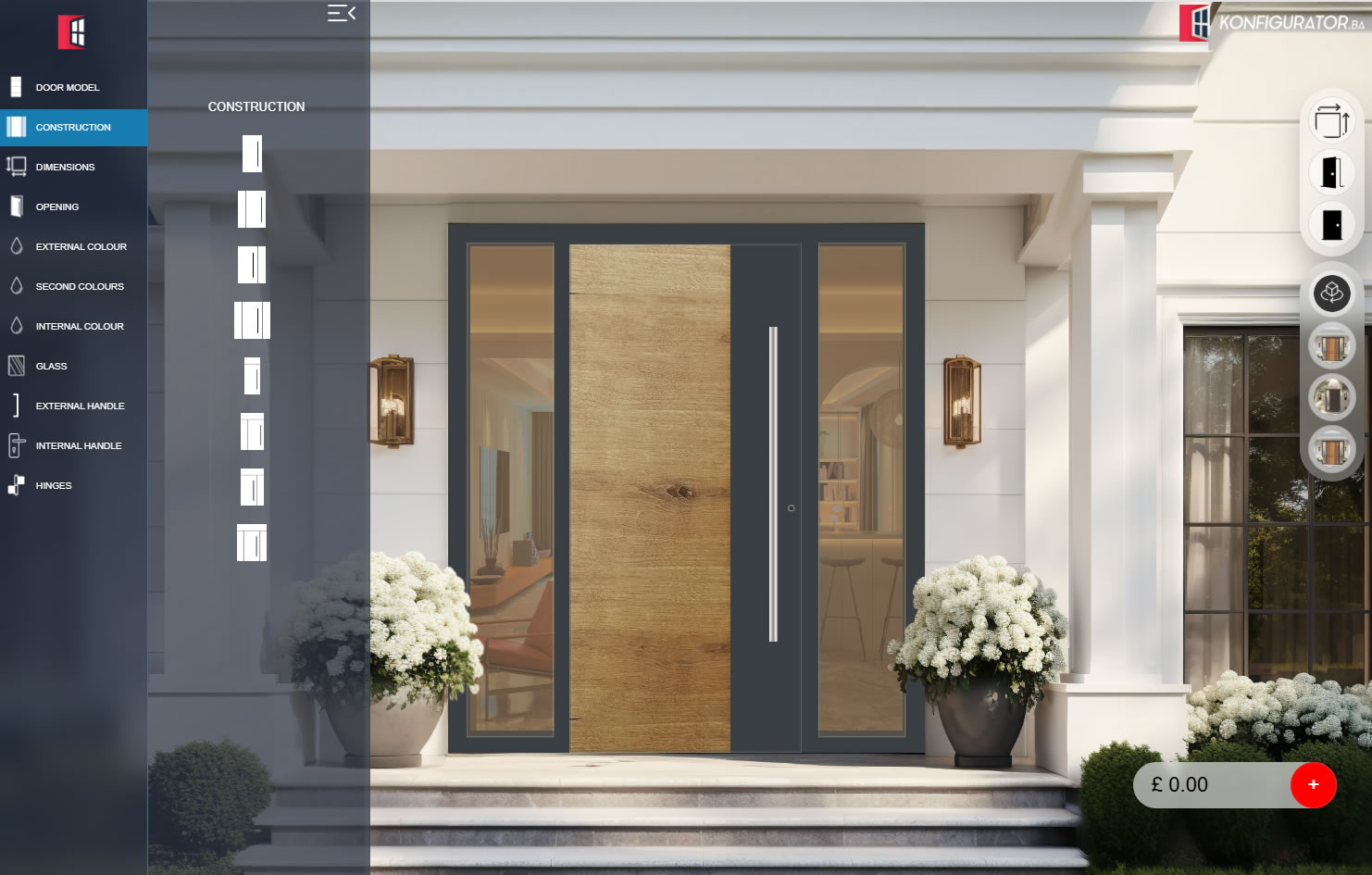
The same door can be reviewed as a clean product model or placed inside different architectural scenes while exterior and interior finishes are changed.
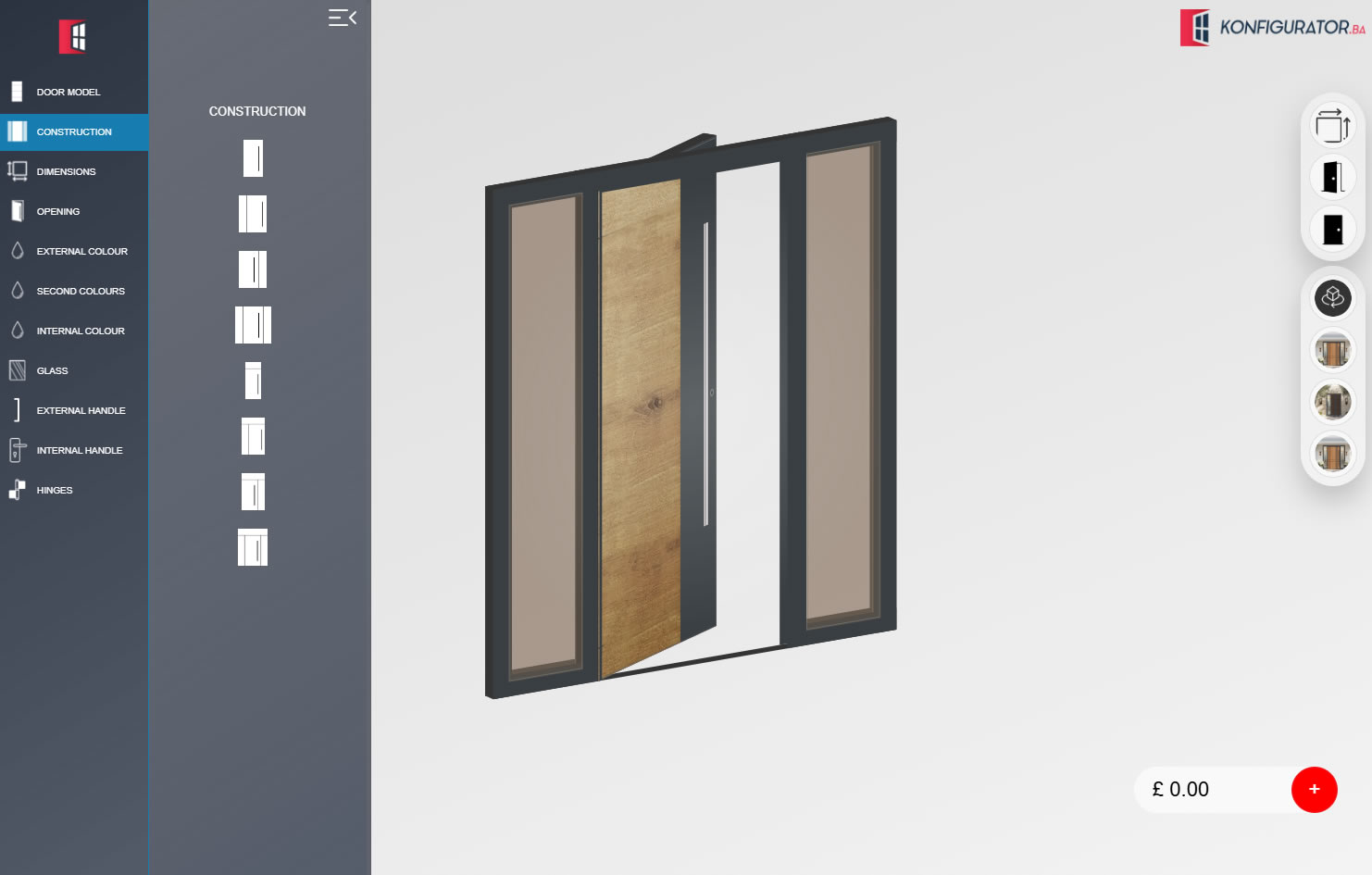
A dedicated 3D view helps customers understand the proportions of the door, frame and sidelights separately from the lifestyle scene.
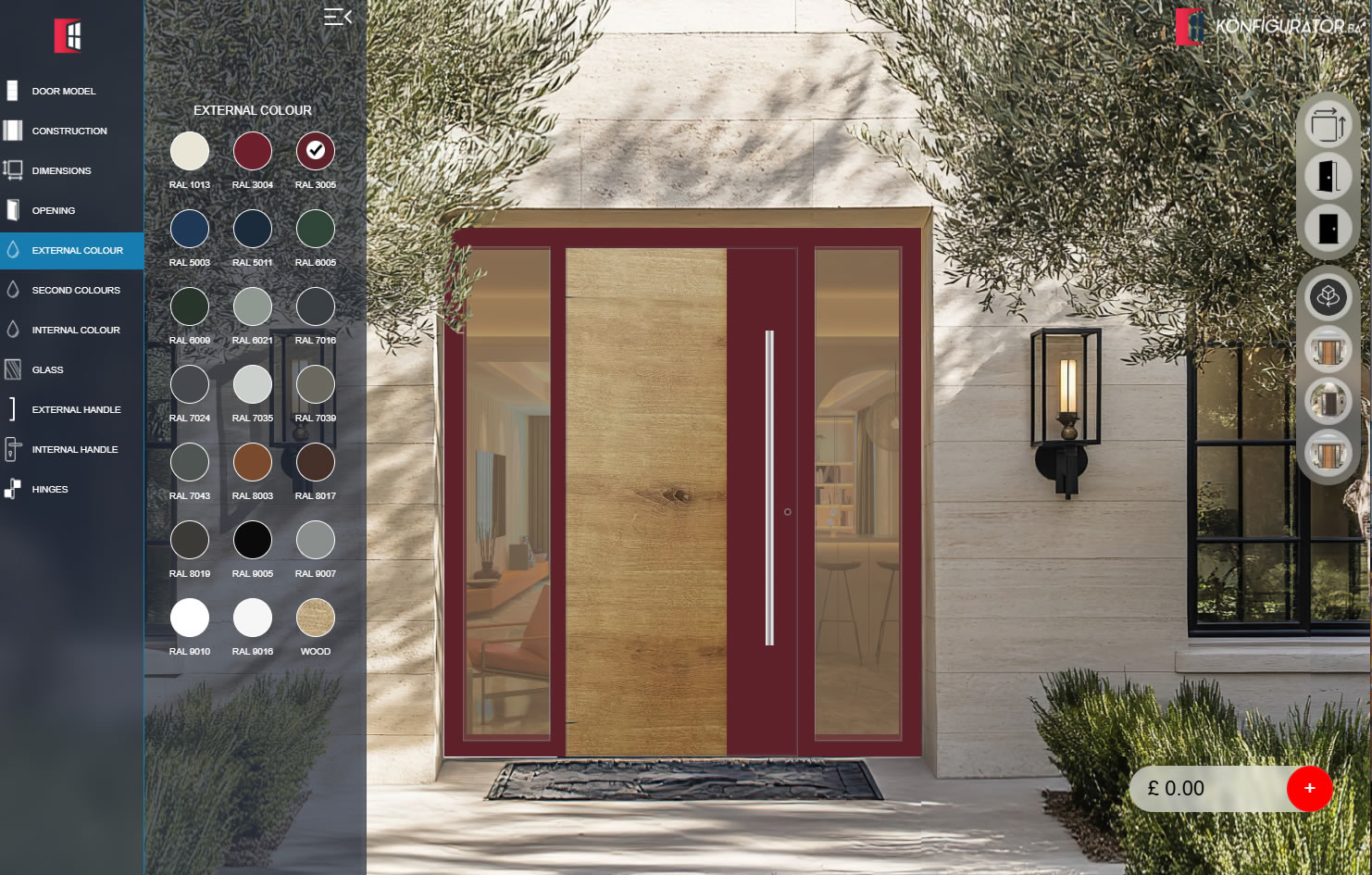
Exterior colours can be shown as visual swatches and applied directly to the configured entrance while decorative door surfaces remain visible.
External and internal handles can be treated as part of the product design, not an afterthought. The configurator can show different pull-handle models and available lengths while applying the choice directly to the door preview.
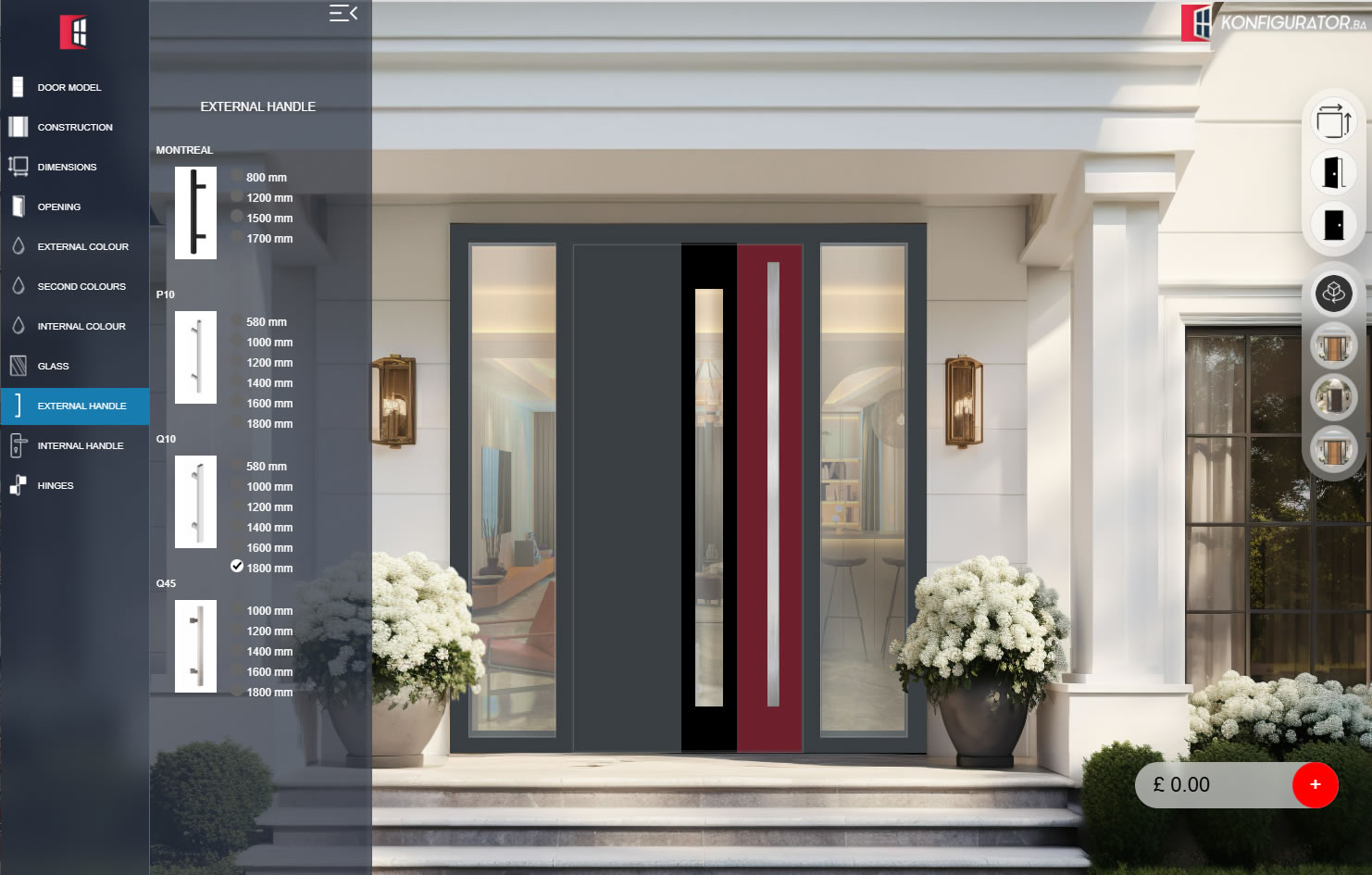
The interface can mirror the way your sales team already builds a door while presenting each decision in a more visual and customer-friendly way.
Select a design from the manufacturer’s own model collection.
Set the dimensions, opening direction and required sidelight configuration.
Configure exterior and interior colours, second finishes and glass.
Complete the entrance with external handle, internal handle, hinges and other available options.
The platform can be adapted to the exact product structure used by your company. Instead of fitting your range into a generic template, the interface can follow your own model collections, construction rules and available options.
We can adapt door models, construction options, colours, glazing, handles, visual scenes and the complete configuration workflow to the way your company manufactures and sells entrance doors.