
Interactive visualization
Switch between technical views and realistic room scenes to make dimensions, opening types and product proportions easier to understand.
Present complex window and sliding products through one clear digital sales experience. Customers and dealers can select the product family, choose window layouts and profiles, configure colours, glazing, shutters and accessories, explore the result in 2D and 3D, and move the finished product directly into a structured shopping cart.
The configurator turns technical product structures into a guided customer experience. Different systems, profiles and accessories can be presented in one branded platform while the commercial logic remains connected behind the scenes.
Switch between technical views and realistic room scenes to make dimensions, opening types and product proportions easier to understand.
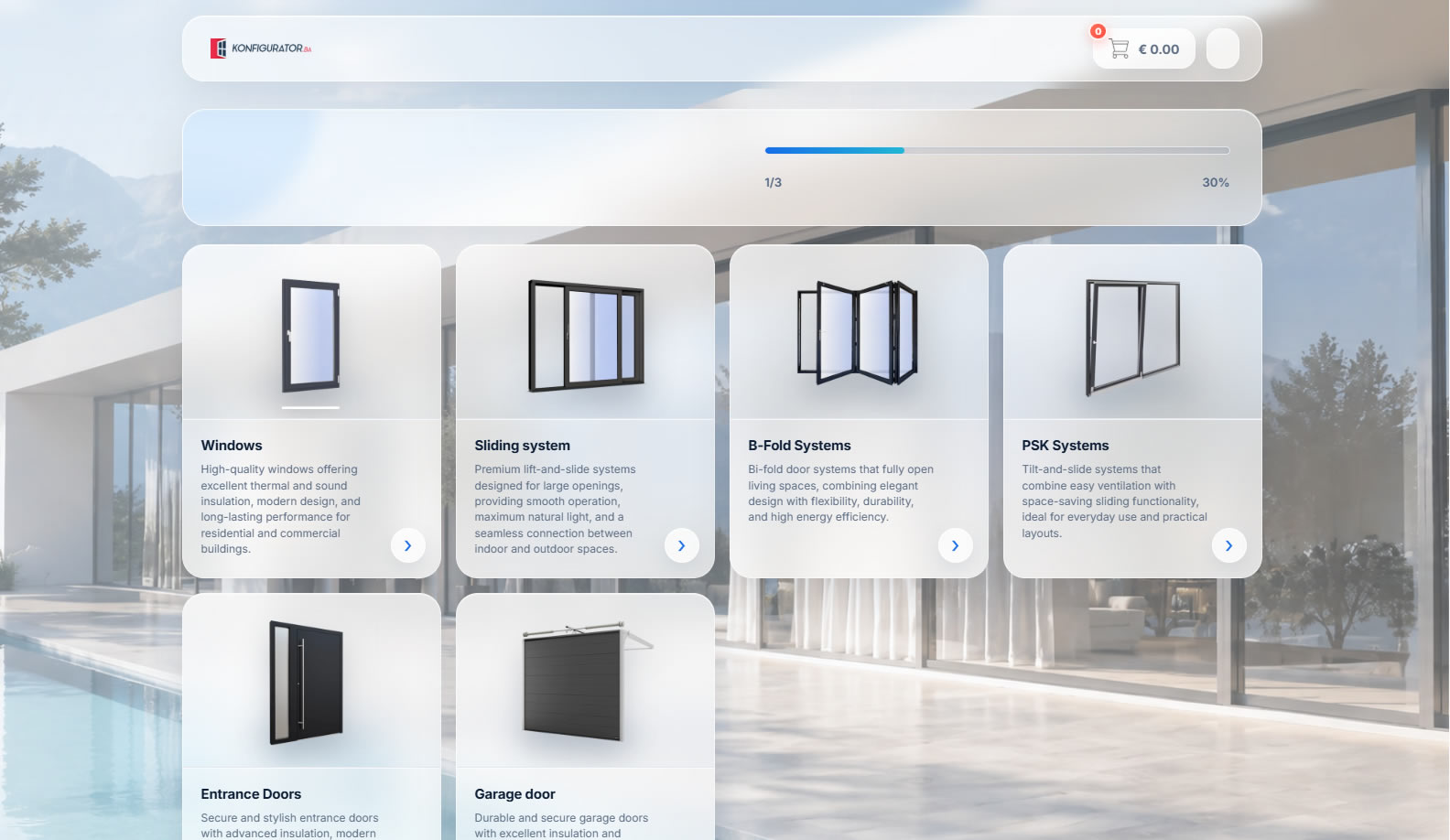
Windows, sliding systems, bi-fold systems and PSK solutions can be organized inside the same product journey.
Profiles, colours, glass, shutters, mosquito screens, handles, fittings and related options can be configured step by step.
The selected product keeps its dimensions, profile and configuration data when it is added to the cart.
A guided product selector can bring several related product families into one clear starting point. The customer can move from standard windows to sliding, bi-fold or PSK systems before entering the detailed configuration process.
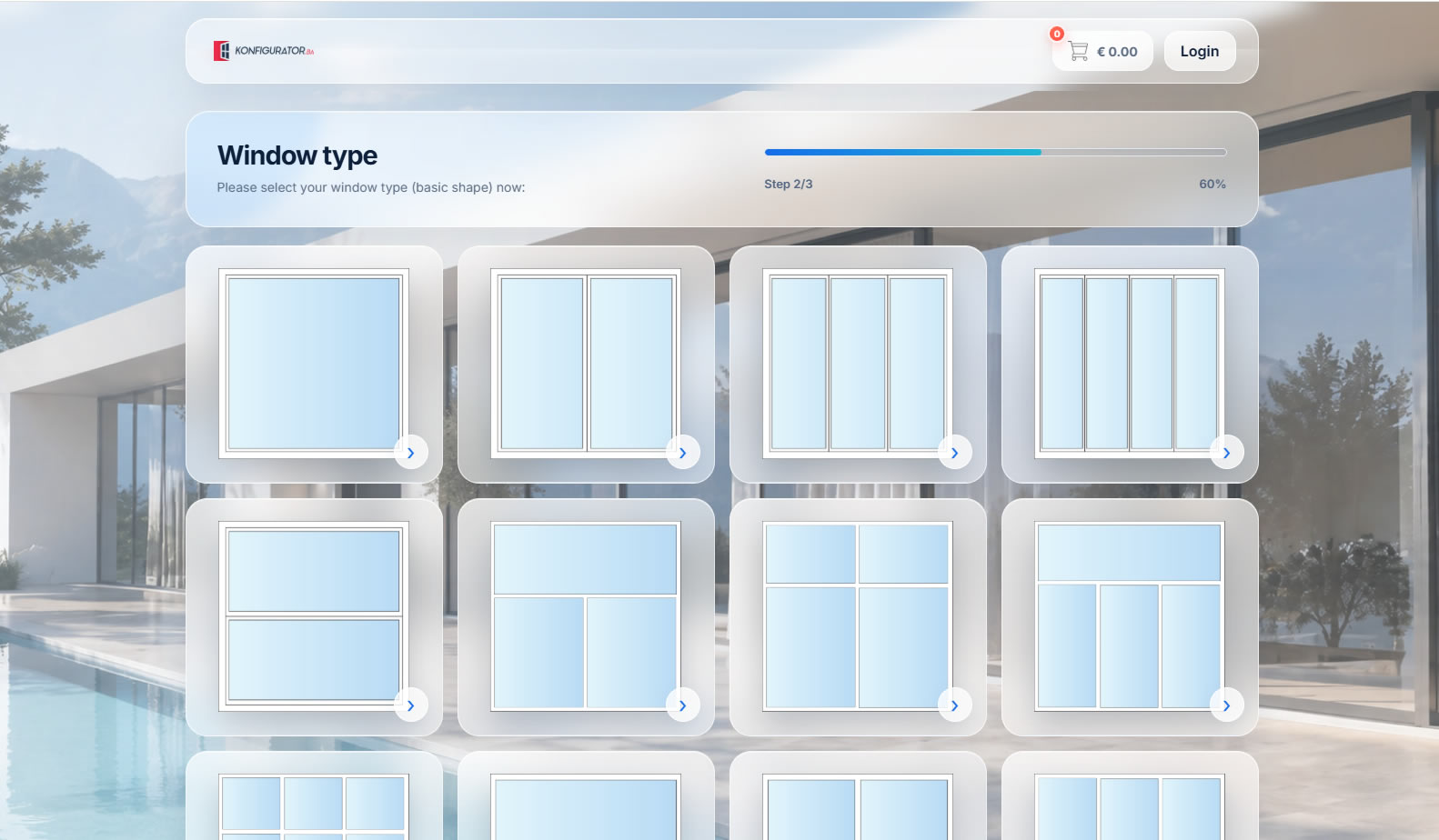
Instead of forcing users to understand technical naming first, the configurator can present window types visually. Single, double, triple and combined constructions are easier to compare when customers see the geometry before moving to the next step.
Profiles and opening details can be selected from a structured side panel while the configured window remains visible in a realistic scene.
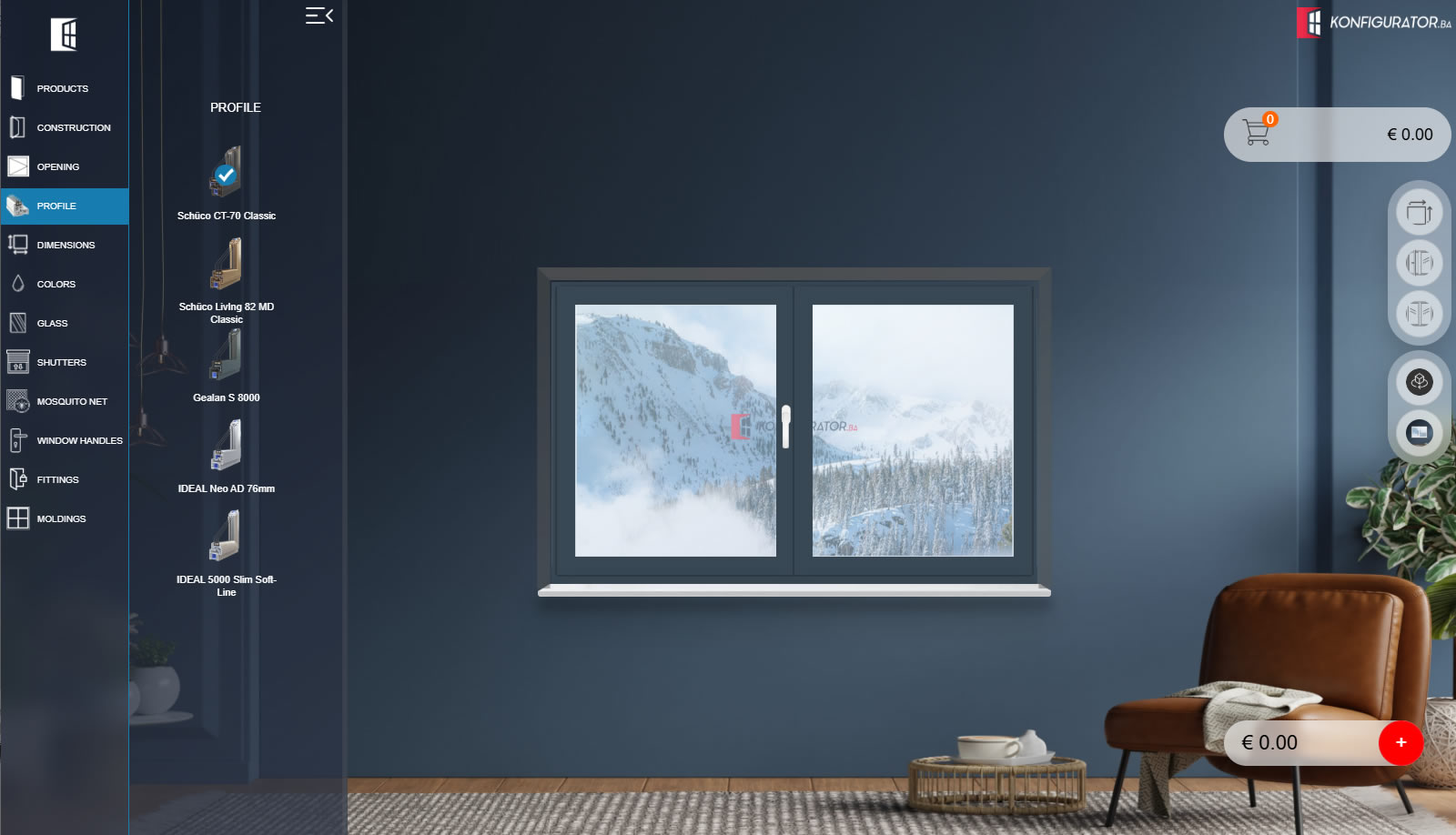
Profile families can be displayed with section images and clear model names while the selected profile is applied to the product preview.
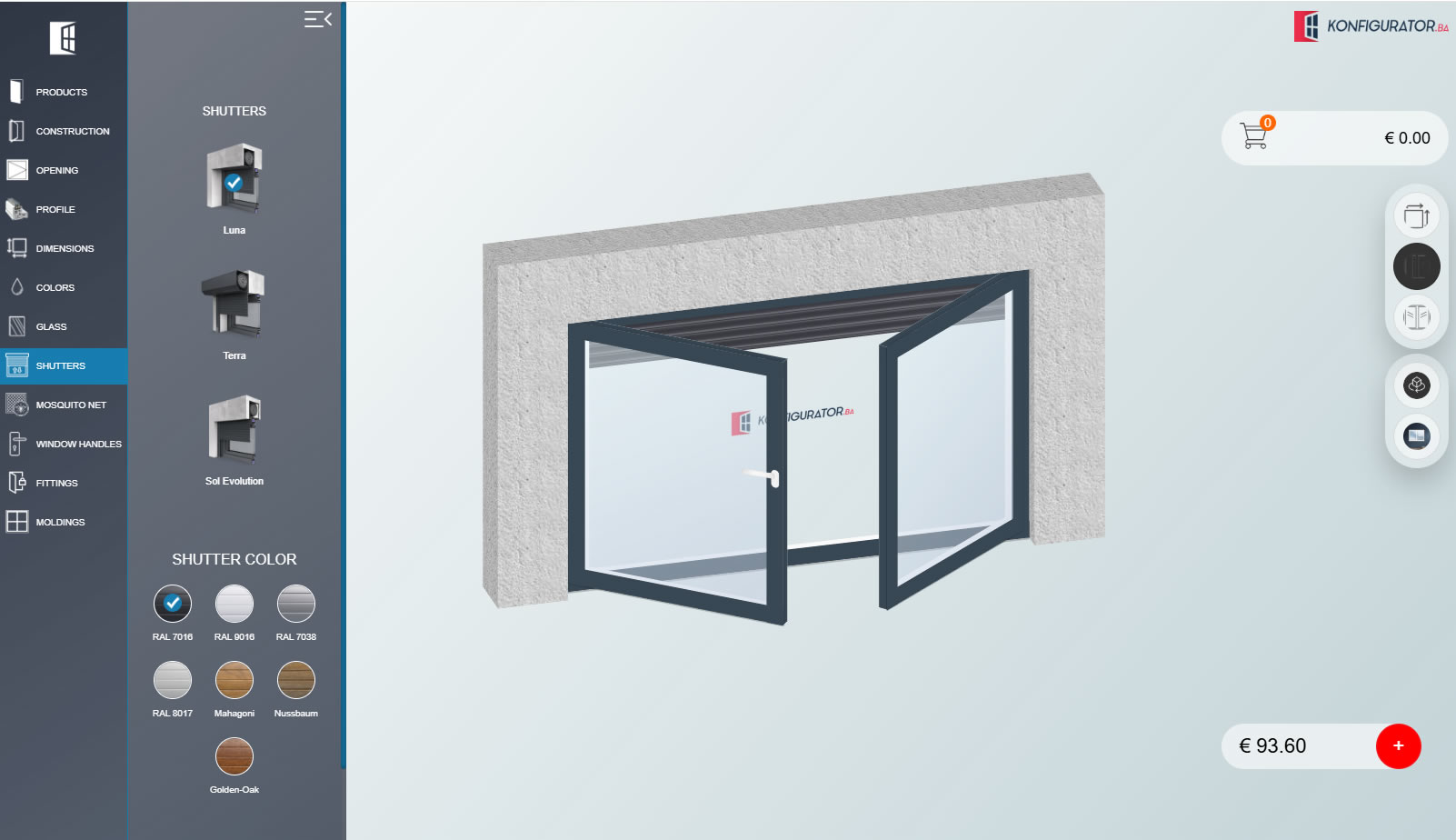
The configured product can be explored inside a room scene, helping users understand sash direction, proportions and add-ons such as shutters.
Lift-slide and other sliding systems can use the same visual configuration logic as windows while keeping their own profiles, dimensions, opening schemes and accessory rules.
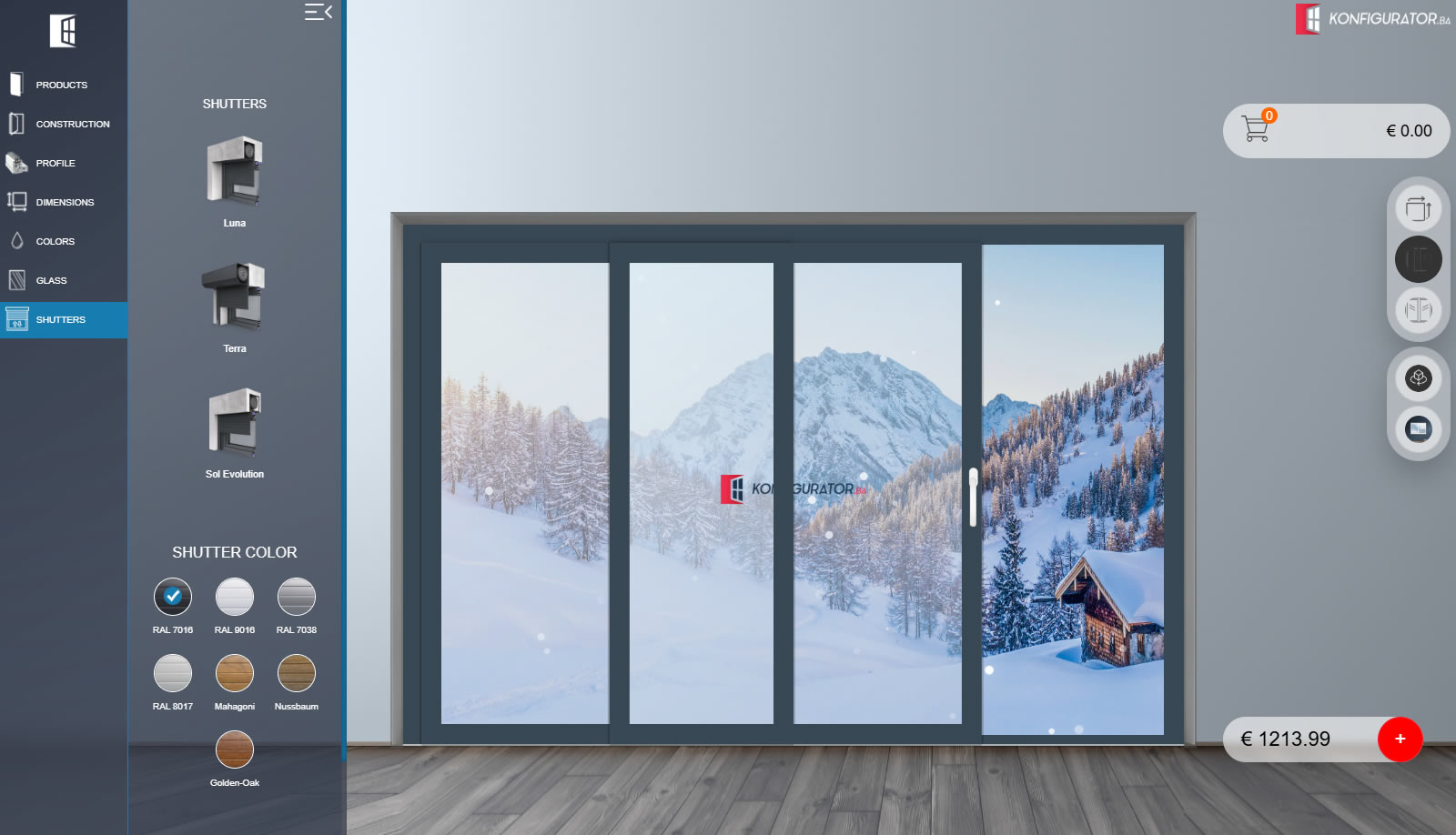
Related products such as roller shutters can be integrated directly into the configuration flow. Customers can select the shutter system and colour while seeing how it works with the configured window or sliding construction.
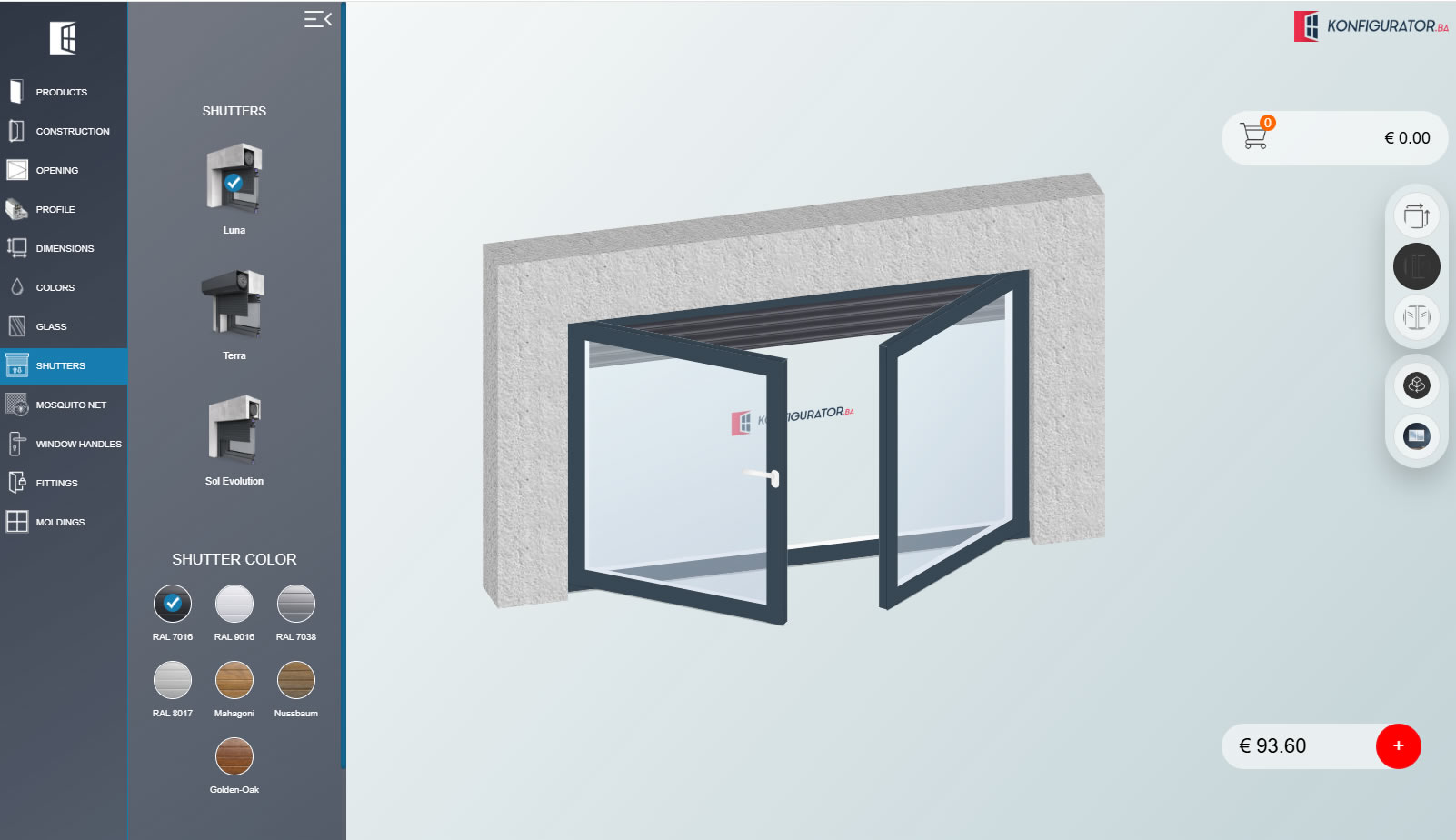
The product data selected during configuration can continue directly into cart and internal administration, reducing the need to re-enter dimensions and options manually.
Customer chooses windows, sliding, bi-fold or PSK systems.
Layout, dimensions, profile, colours, glass and compatible accessories are selected.
Configured dimensions and selected options remain attached to each cart item.
Your team maintains profile and product data through the administration area.
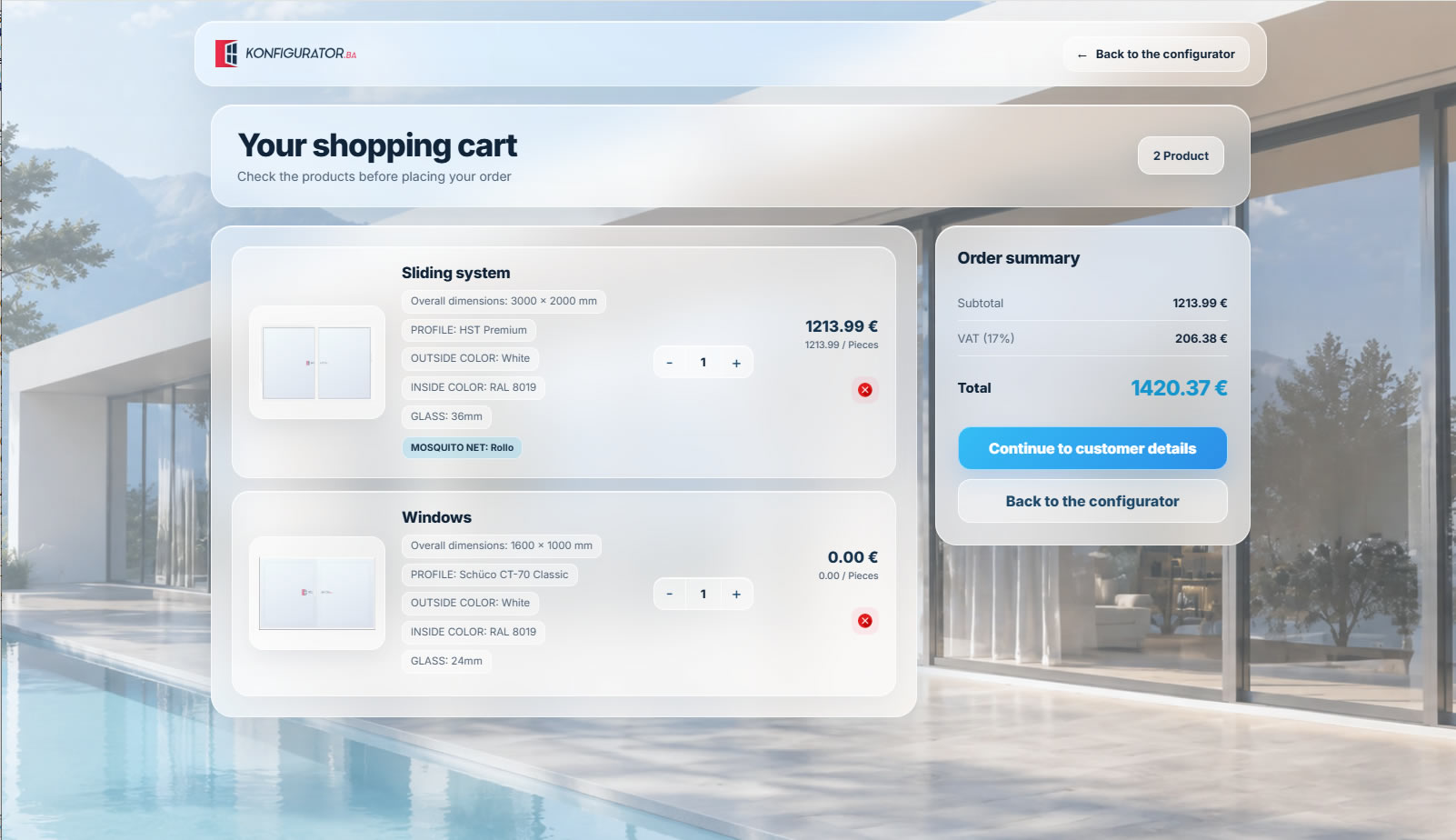
The cart can contain different product types at the same time. Each item keeps its own dimensions, profile, colours, glass and additional options, while subtotal, VAT and the total are calculated in a structured summary.
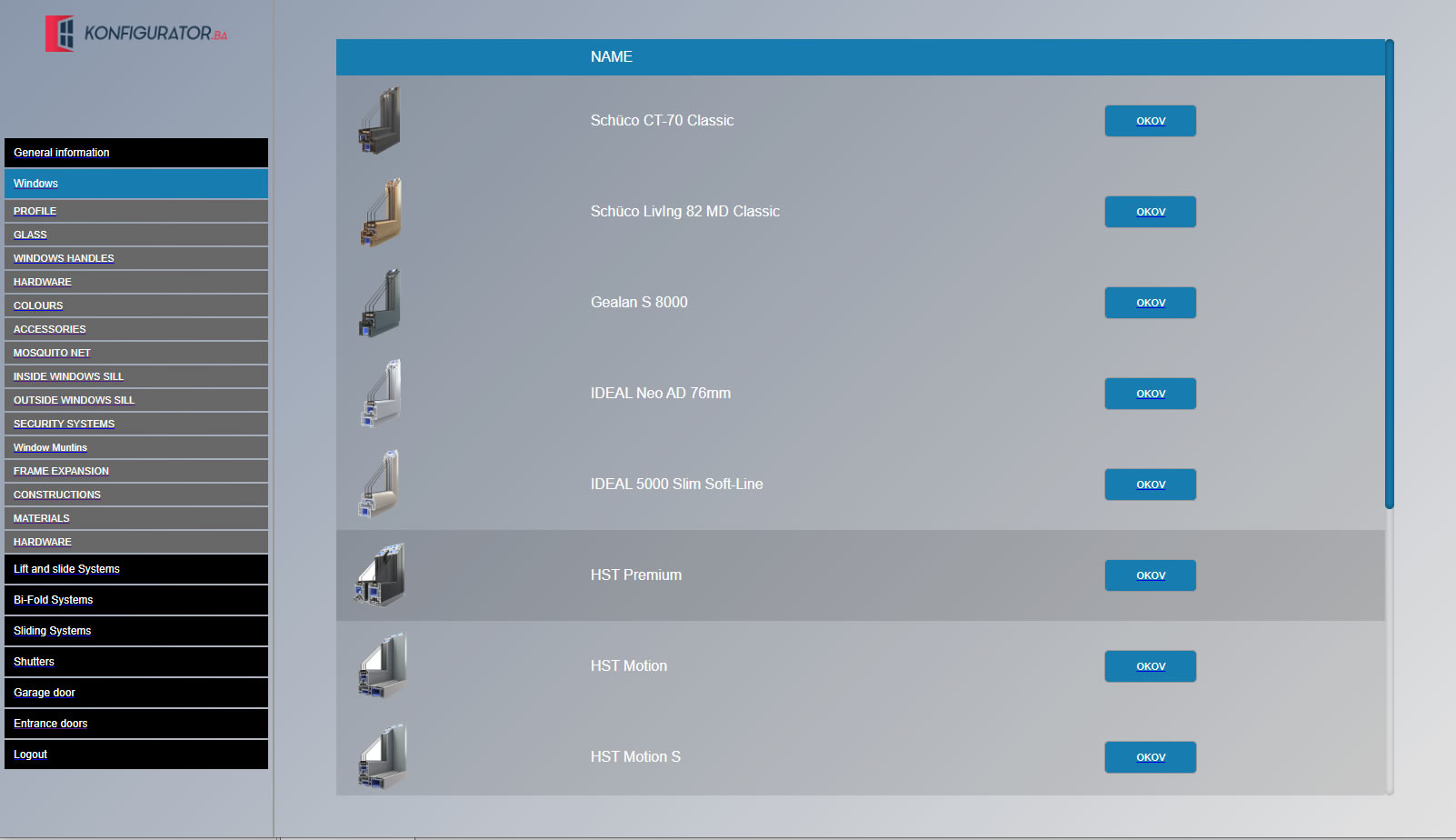
The administration area gives your team a central place to maintain the systems used by the configurator. Window profiles and related product categories can be organized without changing the customer-facing interface.
We can adapt the product structure, profiles, opening layouts, accessories, visual scenes, pricing logic, cart and administration area to the way your company sells windows and sliding systems.