
Enquiries & customers
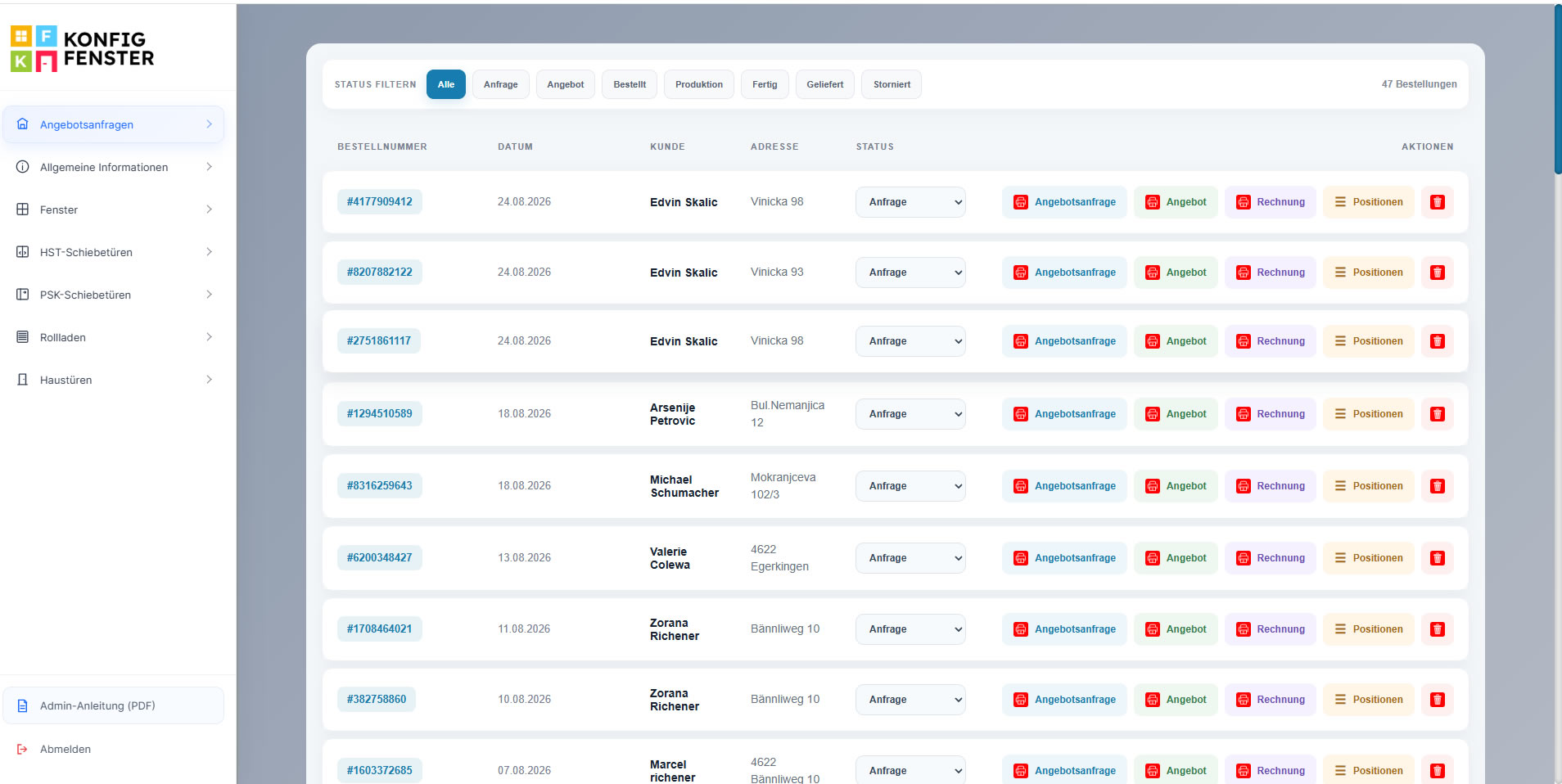
Keep order numbers, dates, customers, addresses and current project status in one structured list.
Connect sales, quotations and product administration in one central workspace. Your team can manage enquiries, quotations, invoices, order positions and statuses while maintaining the product data, profiles and system rules used by the configurator.
The CRM connects the customer-facing configurator with the internal work your sales and administration teams need every day. Commercial documents, order statuses and product master data remain connected to the same digital platform.
Keep order numbers, dates, customers, addresses and current project status in one structured list.
Open quotation requests, offers, invoices and item positions directly from the project overview.
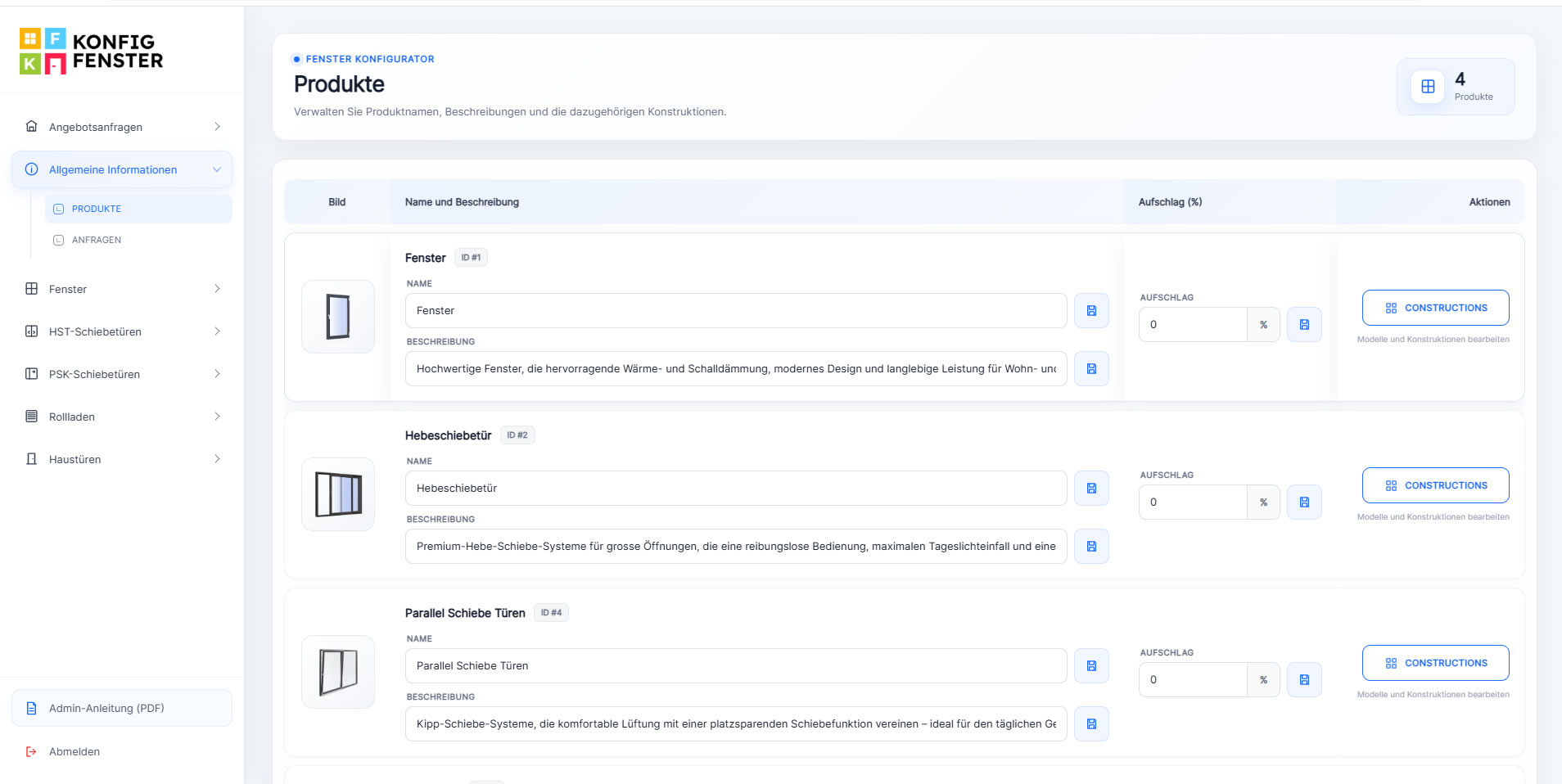
Manage product names, descriptions, constructions and commercial surcharges without touching the front end.
Maintain profiles, dimensions, opening schemes, material factors and other technical parameters centrally.
The CRM gives your team a clear list of incoming requests and active orders. Each row keeps the customer, project address, date and current status visible while the relevant documents and positions are only one click away.

The administration area lets your team maintain the product groups that appear in the configurator. Names, descriptions, percentage surcharges and available constructions can be updated through a clear business interface.
Profile systems can carry their own material and labour percentages while related handles and product rules remain connected to the selected profile.
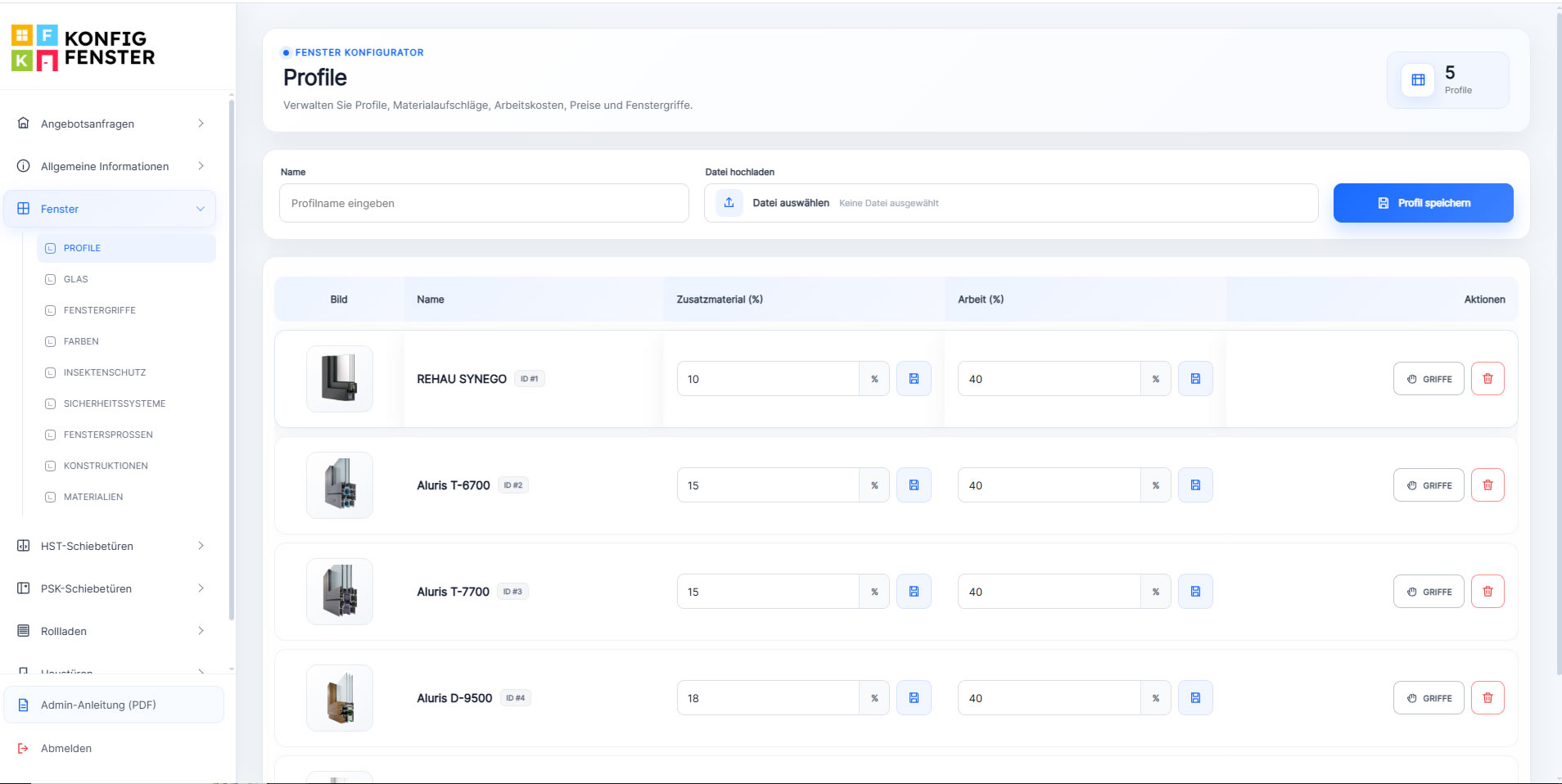
Maintain profile systems with images and editable percentage factors so commercial logic can remain aligned with your real product structure.
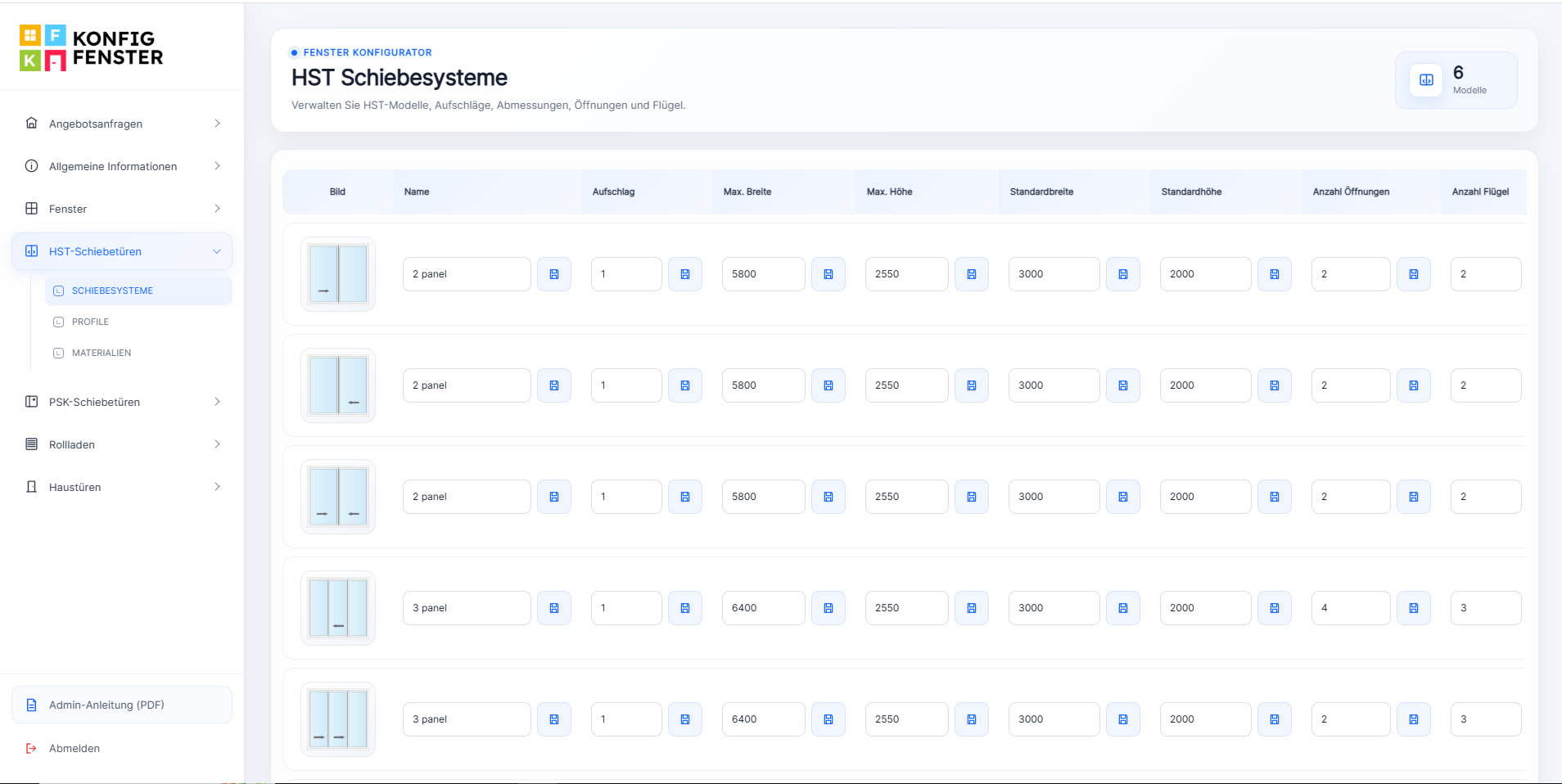
Store opening schemes together with surcharges, maximum dimensions, standard sizes and the number of openings or sashes used by each model.
The value of the CRM is strongest when product configuration and commercial administration are part of the same process instead of separate tools.
Products and options are selected through the online configurator.
Customer and project data become available to the sales or dealer team.
The project moves through quotation, approval and order stages with clear documents.
Continue through production, completion and delivery without losing the original project context.
The platform can serve as a shared workspace for internal sales teams and dealer networks. Instead of exchanging disconnected spreadsheets, PDFs and emails, users can work with the same current product and project data.
We can adapt the workflow, user roles, product administration, quotation process, status structure and dealer access to the way your company actually sells and manages orders.