
Visual product configuration
Customers can see the selected door type, proportions, finishes, glass and hardware while they configure.
Give customers and dealers a faster way to design and buy custom steel doors. The platform combines an interactive visual configurator with real-time product options, pricing, cart and checkout, administration tools and professional A4 quotations — all connected in one workflow.
The platform is designed for manufacturers and dealers who sell highly configurable products. Instead of separate tools for presentation, pricing and quoting, the complete sales journey is connected in one digital system.
Customers can see the selected door type, proportions, finishes, glass and hardware while they configure.
Product options and selections can be connected to your own pricing logic, taxes and surcharges.
Configured products are collected with dimensions, finish and product details before the order continues.
Turn the final configuration into a clear A4 quote with item image, specifications, totals and customer data.
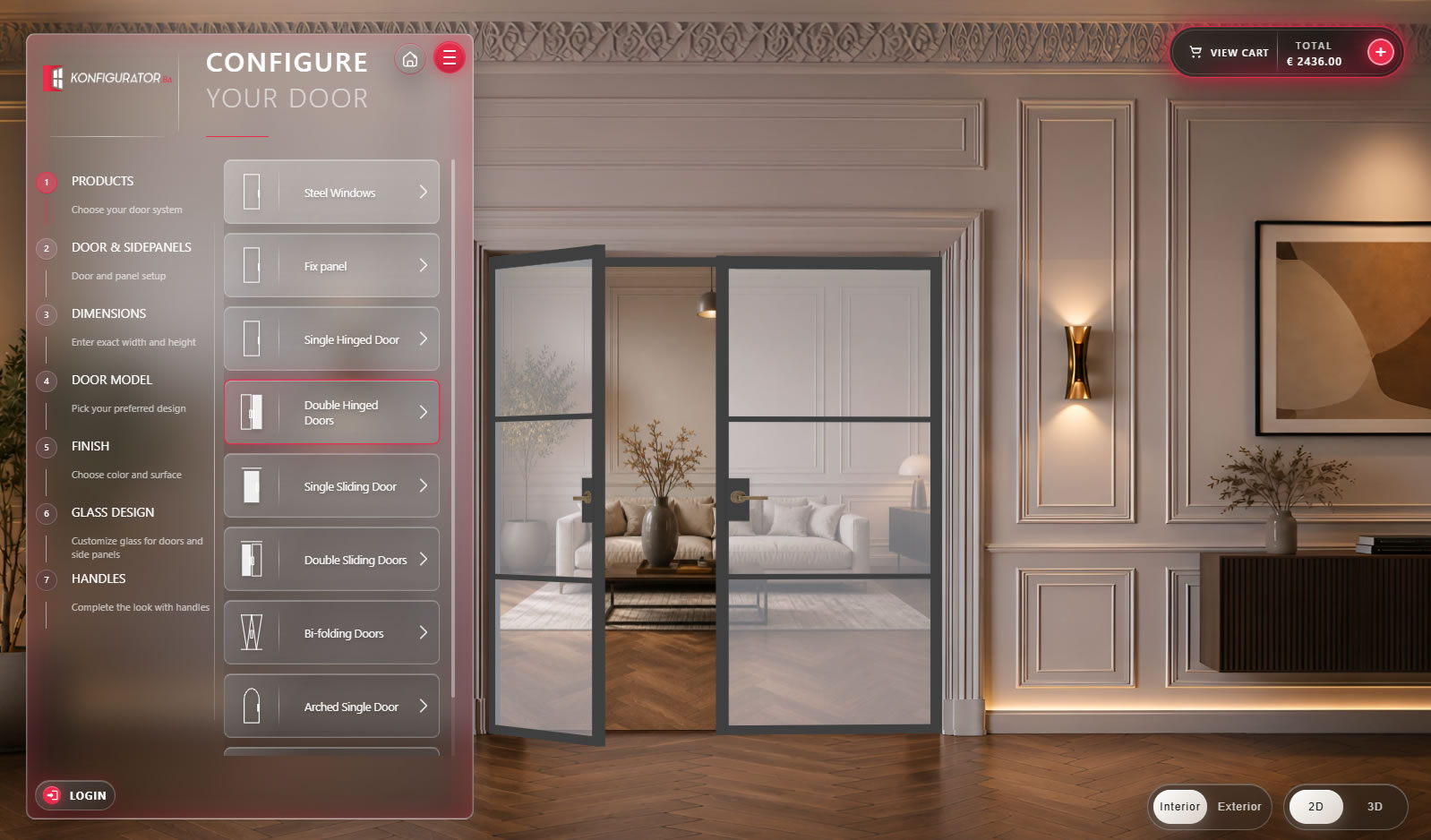
The interface turns a complex steel door product into a clear sequence of decisions. Users can choose the product type, door and sidepanel arrangement, exact dimensions, door model, finish, glass design and handles without leaving the visual environment.
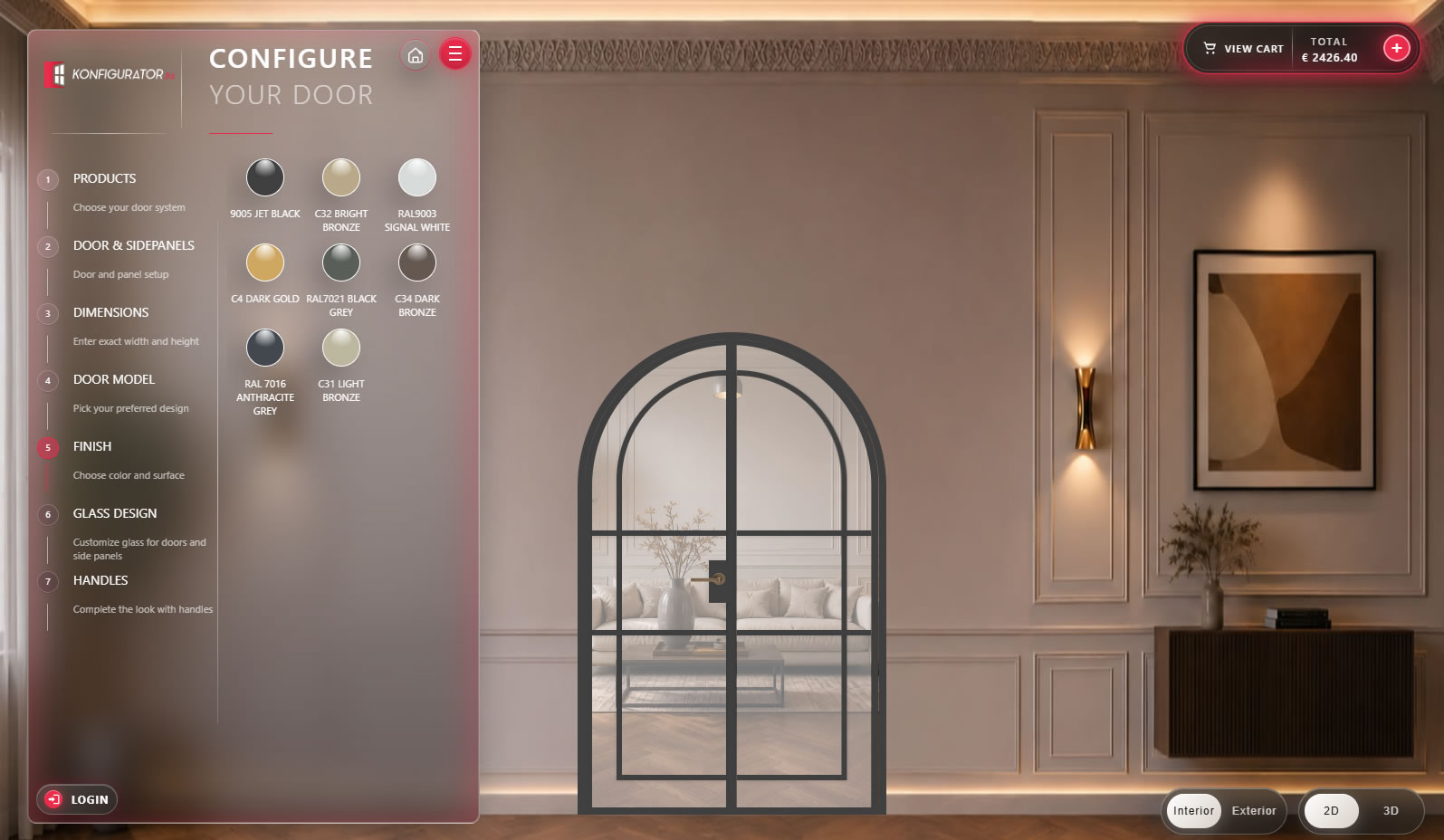
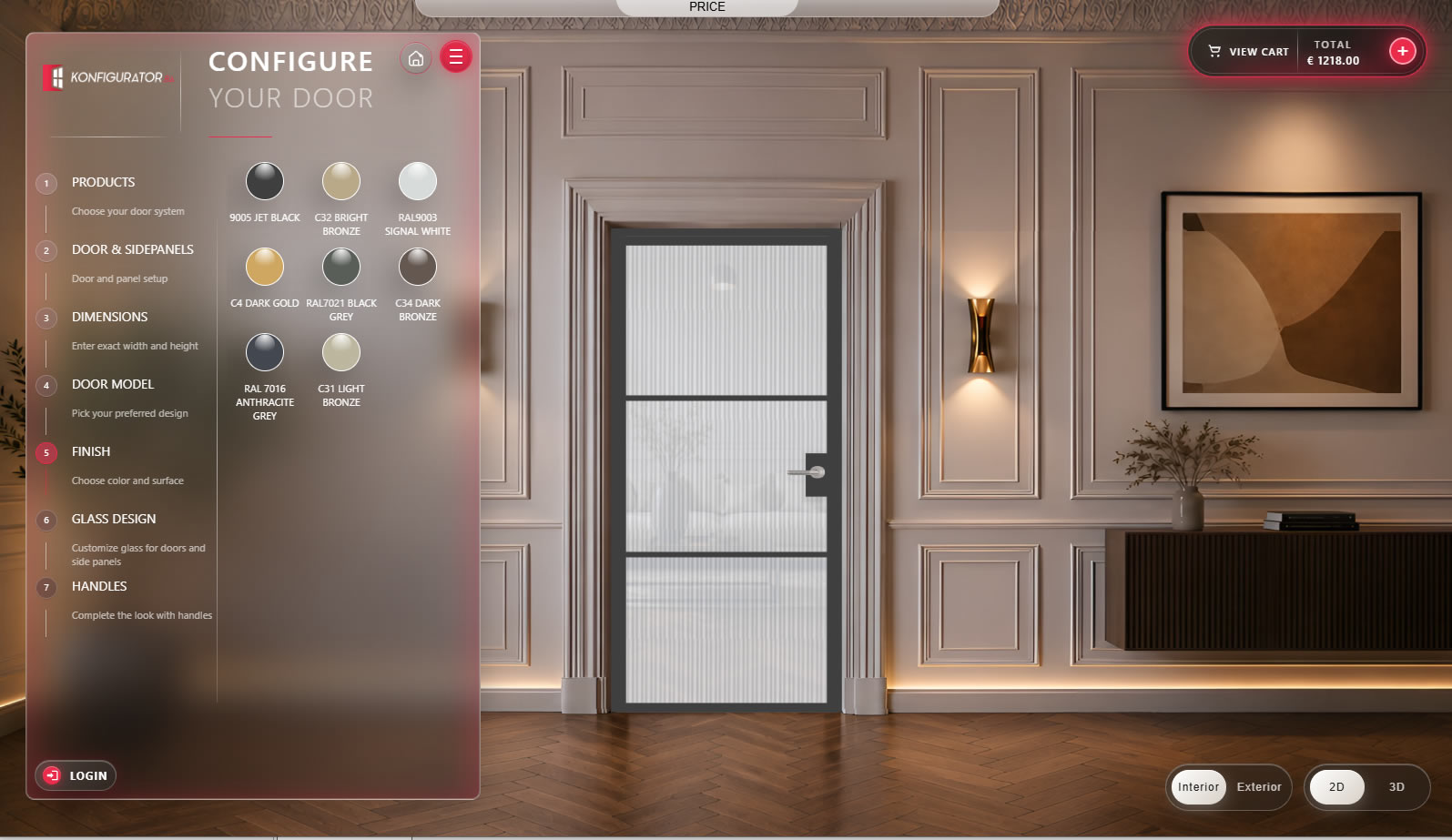
Finishes are presented visually rather than as a simple dropdown. Customers can compare colours and metal finishes and immediately see how the selected option changes the final door.
The configurator can present accessory options with real product photography and clear names, making it easier for customers to understand differences between variants.
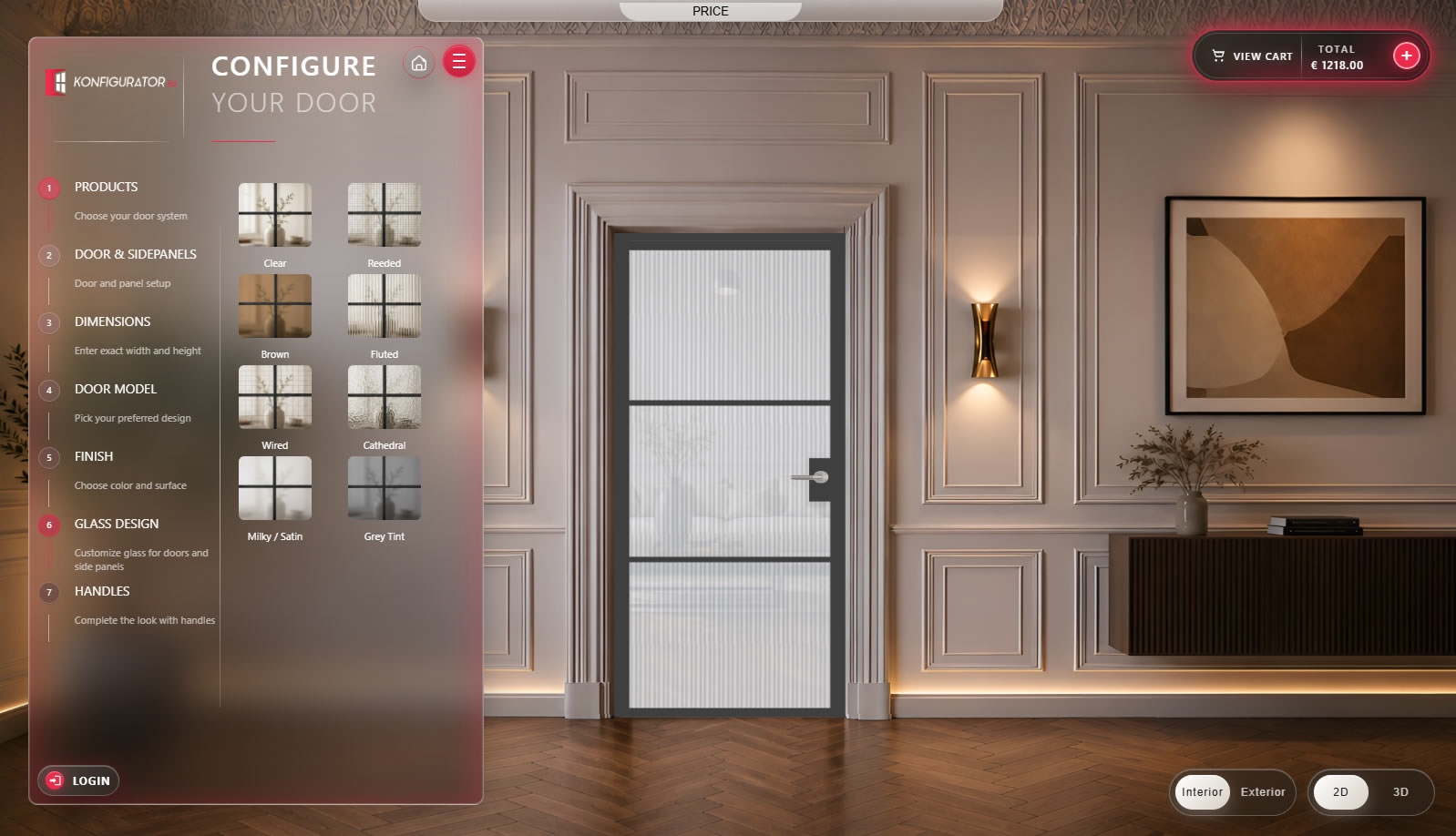
Clear, reeded, brown, fluted, wired, cathedral, satin and tinted glass can be presented as visual samples directly inside the configuration process.
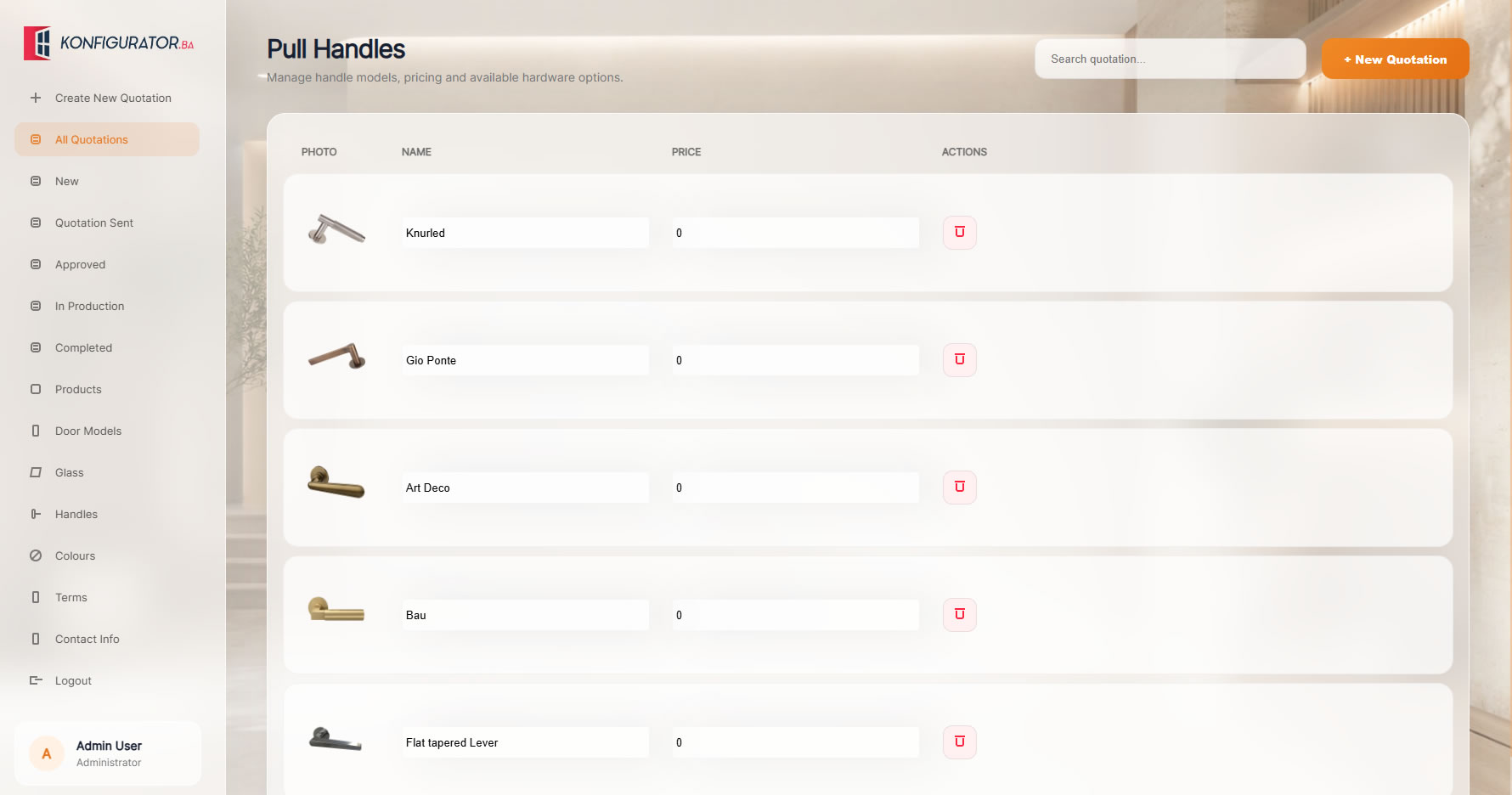
Handle collections can be shown with image, model name and pricing logic so customers can complete the final product with confidence.
Once a product is configured, the same data can continue through cart, checkout, administration and quotation generation without rebuilding the order manually.
Customer or dealer chooses valid product options and sees the result in real time.
The configured product enters the cart together with dimensions, finish, glass and calculated price.
Your team controls products, options, handles, glass, colours, quotation statuses and commercial data.
The order can be turned into a professional branded quotation ready for the customer.
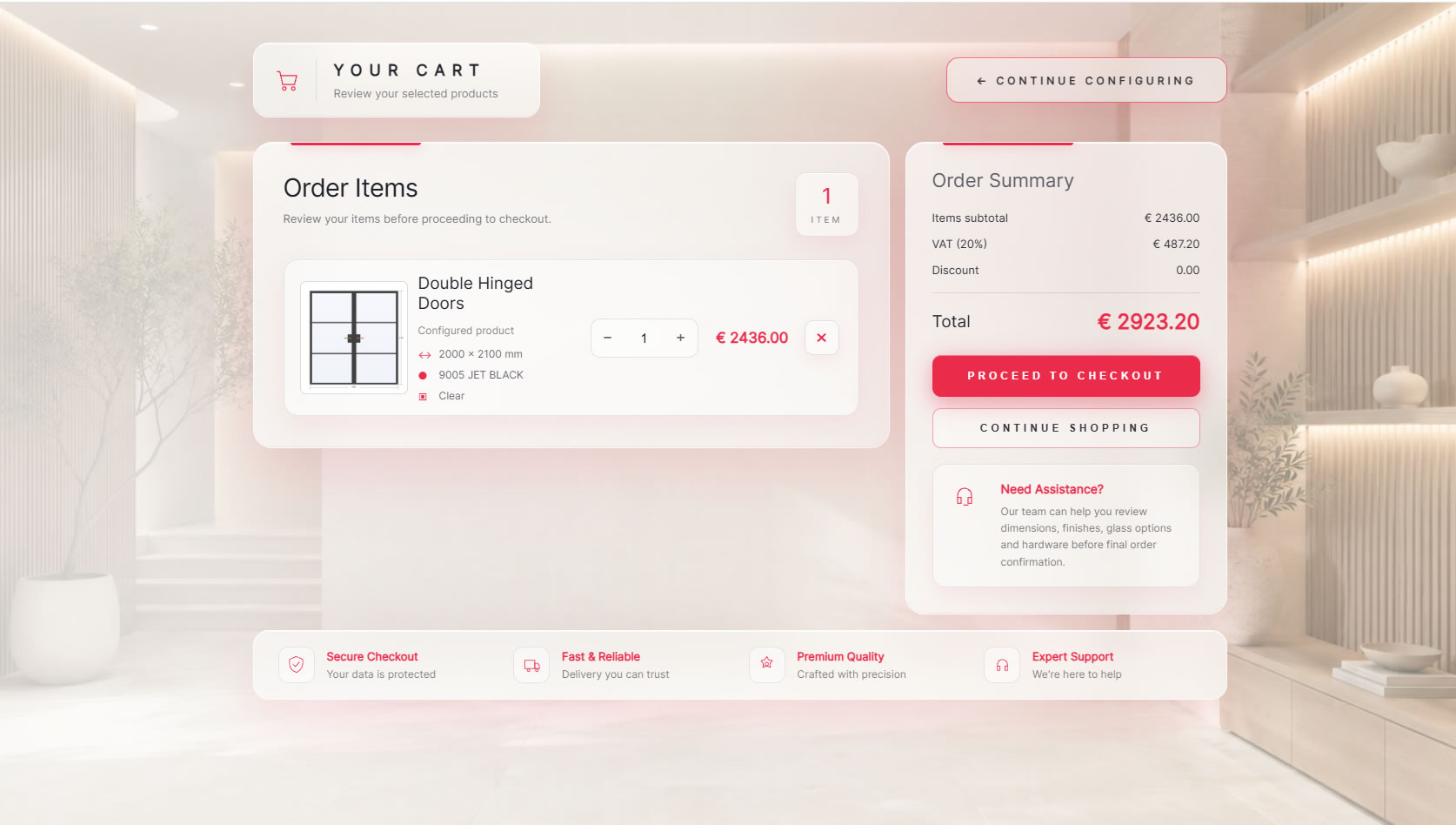
The cart summarizes exactly what the customer configured. The selected door, dimensions, finish, glass and price remain visible, while subtotal, VAT, discounts and total are calculated in one clear checkout view.
A dedicated admin area lets you manage product-related data without editing the front-end configurator. Product models, glass, handles, colours, quotation stages and other commercial settings can be maintained from one place.
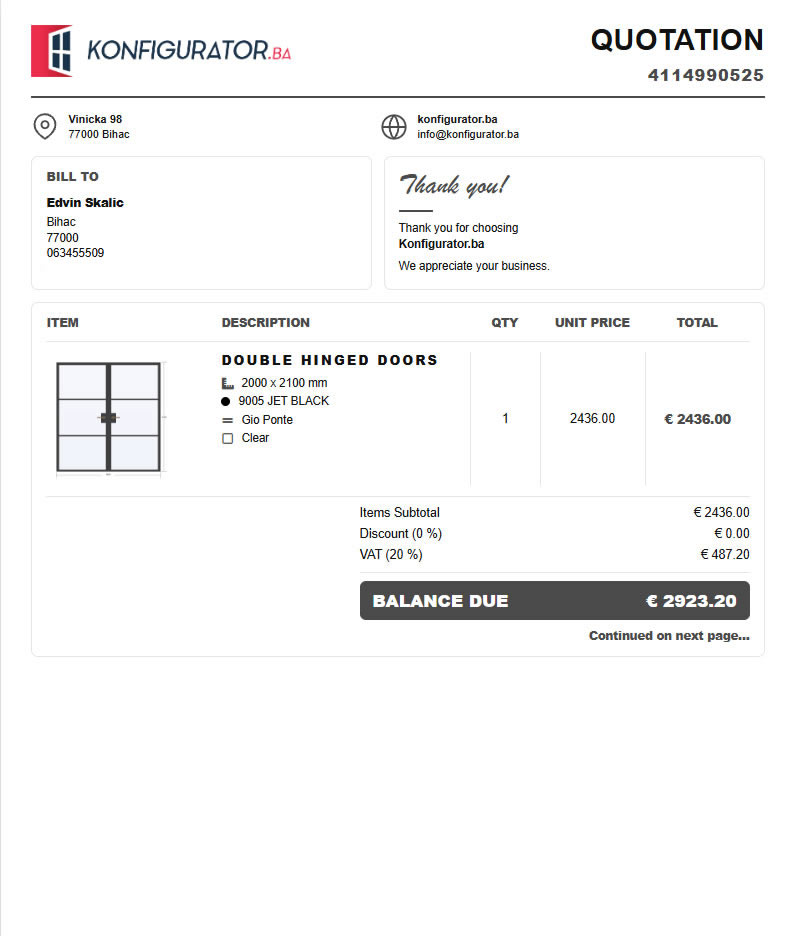
The final quotation can include your branding, customer information, a product image, dimensions, selected colour, handle and glass, quantity, unit price, VAT and final balance. The result is a clean document that can be printed or saved as PDF.
We adapt the configuration steps, product database, design, pricing rules, quotation layout and administration workflow to the way your company actually sells steel doors.